




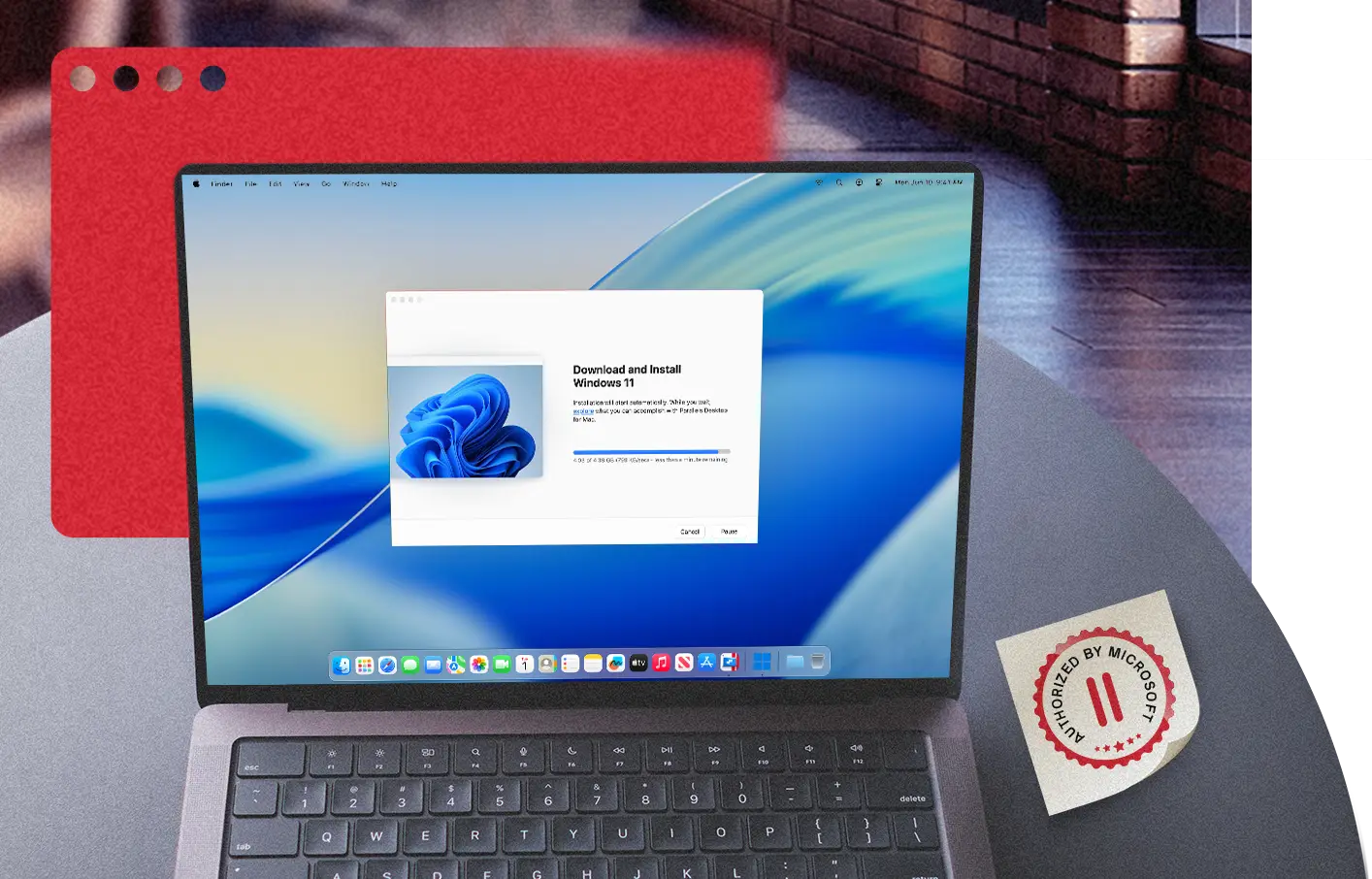
Run Windows 11 on Apple Silicon with a Microsoft-Authorized Solution
Parallels Desktop is a Microsoft-authorized solution for running Arm versions of Windows 11 Pro and Windows 11 Enterprise in a virtual environment on supported Apple silicon Macs. Microsoft’s published guidance covers Parallels Desktop on M1, M2, and M3 Macs and outlines important limitations for some hardware, applications, games, graphics features, and workloads that require nested virtualization.
This page explains what Microsoft authorization means, the limitations to be aware of, and how to get started on a supported Apple silicon Mac. Microsoft’s published guidance covers M1 through M3 hardware.
Free, fully functional 14-day trial.
What Microsoft authorization means in practice
Microsoft identifies supported versions of Parallels Desktop as authorized solutions for running Arm versions of Windows 11 Pro and Windows 11 Enterprise in a virtual environment on M1, M2 and M3 Macs in its current published guidance. Microsoft also documents licensing requirements and important limitations for Windows 11 on Arm in this configuration, including restrictions involving certain hardware, applications, games and workloads that depend on nested virtualization.
In practice, running Windows 11 inside Parallels Desktop on an Apple silicon Mac gives you:
Windows Update works normally. Windows Update remains available inside the VM for applicable security, cumulative and feature updates.
Windows still requires an eligible license. Windows still requires an eligible license. A unique Windows 11 Pro license is required for each Windows 11 Pro instance, whether it runs on hardware or in a virtual machine. Windows 11 Enterprise deployments are subject to the organization’s applicable Microsoft licensing terms.
You can contact Microsoft for Windows support. Microsoft support may be available according to your Windows license and Microsoft’s applicable support policies. Using an authorized Parallels Desktop configuration avoids relying on a Windows virtualization configuration Microsoft has not identified as authorized.
Parallels Desktop keeps pace with macOS and Windows releases. Parallels publishes updates for supported Mac hardware and operating system versions throughout the product lifecycle. Check the current Parallels Desktop system requirements and release documentation when upgrading macOS, Windows, or Mac hardware.
Other virtualization tools can also run Arm versions of Windows on Apple silicon, but Microsoft’s published guidance specifically identifies supported versions of Parallels Desktop as an authorized solution for Windows 11 Pro and Enterprise. UTM and VMware Fusion can both run Windows 11 ARM on a Mac, and both are legitimate tools, but neither carries Microsoft’s authorization for Windows 11 Pro and Enterprise. For organizations with licensing, support, or compliance requirements, Microsoft’s authorization may be an important consideration when choosing a virtualization platform
What changed with Boot Camp on Apple silicon
Boot Camp lets a compatible Intel-based Mac start directly in Windows rather than running Windows in a virtual machine. Apple does not support Boot Camp on Apple silicon Macs, including M-series Macs.
On Apple silicon Macs, running a full Windows environment locally generally requires virtualization. That makes the choice of virtualization platform important because the platform mediates how Windows interacts with the Mac’s hardware and can affect feature compatibility, licensing considerations, and support.
Parallels Desktop running Windows 11 in a virtual machine is not a workaround for Boot Camp’s absence. Microsoft identifies supported versions of Parallels Desktop as an authorized solution for running Windows 11 Pro and Enterprise on M1, M2 and M3 Macs. You can run Windows alongside macOS without restarting, switch between macOS and Windows without restarting, and share files and clipboard content between the two environments.
Note: Boot Camp guidance for running Windows applies to compatible Intel-based Macs, not Apple silicon Macs.
What works and what to know
Windows 11 ARM can run many x86 and x64 applications. Windows 11 on Arm includes Microsoft’s built-in emulation technology for running x86 and x64 applications. On Windows 11 24H2 and later, Microsoft’s Prism emulator improves the performance and compatibility of emulated applications.
DirectX support varies by application and game. Parallels Desktop supports virtualized 3D graphics, including DirectX 11 and DirectX 12 in current versions. However, Microsoft notes that some applications and games that rely on DirectX 12 may have limitations when running Windows 11 on Arm in this configuration. Graphics support can differ from running Windows natively on PC hardware, so check compatibility for graphics-intensive applications and games before relying on the virtual machine.
Nested virtualization is not supported. You cannot run a virtual machine inside the Windows 11 virtual machine in Parallels Desktop on Apple silicon.This affects features that require another virtualization layer, including Windows Sandbox, virtualization-based security, and some Windows Subsystem for Linux and emulator configurations. Some development and container workflows have alternative configurations that do not require nested virtualization. Check the requirements of your specific tool before deployment.
x86 and x64 Windows drivers are not emulated. The ARM Windows 11 environment runs the Windows operating system and Windows apps, not hardware drivers written for x86 PC components. Device compatibility varies. Windows drivers that are required inside the guest operating system must be compatible with Arm64; some devices can instead be used through Parallels Desktop’s device-sharing and USB features. Check compatibility for specialized peripherals before relying on them
For a detailed rundown of the specific limitations of Windows 11 on Apple silicon, see the Parallels knowledge base article on ARM Windows 11 limitations.
The Simplest Way to Run Windows on Apple Silicon
Microsoft-authorized for Windows 11 on Apple silicon
Parallels Desktop is the only virtualization solution Microsoft has authorized for running Windows 11 Pro and Enterprise on Apple silicon Macs. That authorization covers the current generation of Apple silicon hardware, beginning with M1 and continuing through newer models as they're supported. Windows Update works normally, and eligible Windows licenses remain supported according to Microsoft's licensing policies.
Supports Windows 11 security requirements
Windows 11 requires TPM 2.0 and uses Secure Boot as part of its security architecture. Parallels Desktop supports a virtual TPM and Secure Boot for compatible Windows virtual machines. These capabilities can help organizations apply security policies or run applications that require TPM functionality, but customers remain responsible for evaluating their own compliance requirements.
Optimized for Apple silicon Macs
Apple silicon Macs use the Arm architecture rather than the x86 architecture used by Intel Macs. Parallels Desktop supports Apple silicon Macs with M1, M2, M3, M4, and M5 chips and runs Windows 11 on Arm in a virtual machine on supported models. Windows 11 on Arm can run many x86 and x64 applications using Microsoft’s built-in emulation technology, including Microsoft’s Prism emulator in Windows 11, version 24H2 and later, although application and hardware compatibility varies. Parallels releases updates for supported Mac hardware and operating system versions during the product lifecycle.
Support from Microsoft and Parallels
Running Windows through an authorized solution means your Windows environment remains eligible for Microsoft support under Microsoft's policies. Questions about virtualization, installation, or virtual machine performance are handled by the Parallels support team, which provides technical support for Parallels Desktop around the clock.
Built for Apple silicon
Run Windows 11 on an Apple silicon Mac
Apple silicon Macs use Arm-based processors rather than the Intel processors found in earlier Macs. As a result, they run Windows 11 on Arm in a virtual machine instead of using the Intel version of Windows through Boot Camp.
Parallels tests supported Windows and macOS releases with current versions of Parallels Desktop and publishes compatibility updates when needed. Product updates also add support for selected Apple silicon hardware and platform changes. Compatibility depends on the Parallels Desktop version, Mac model, operating system, and Windows application.
These updates address known compatibility issues across supported versions of macOS, Windows, and Parallels Desktop.
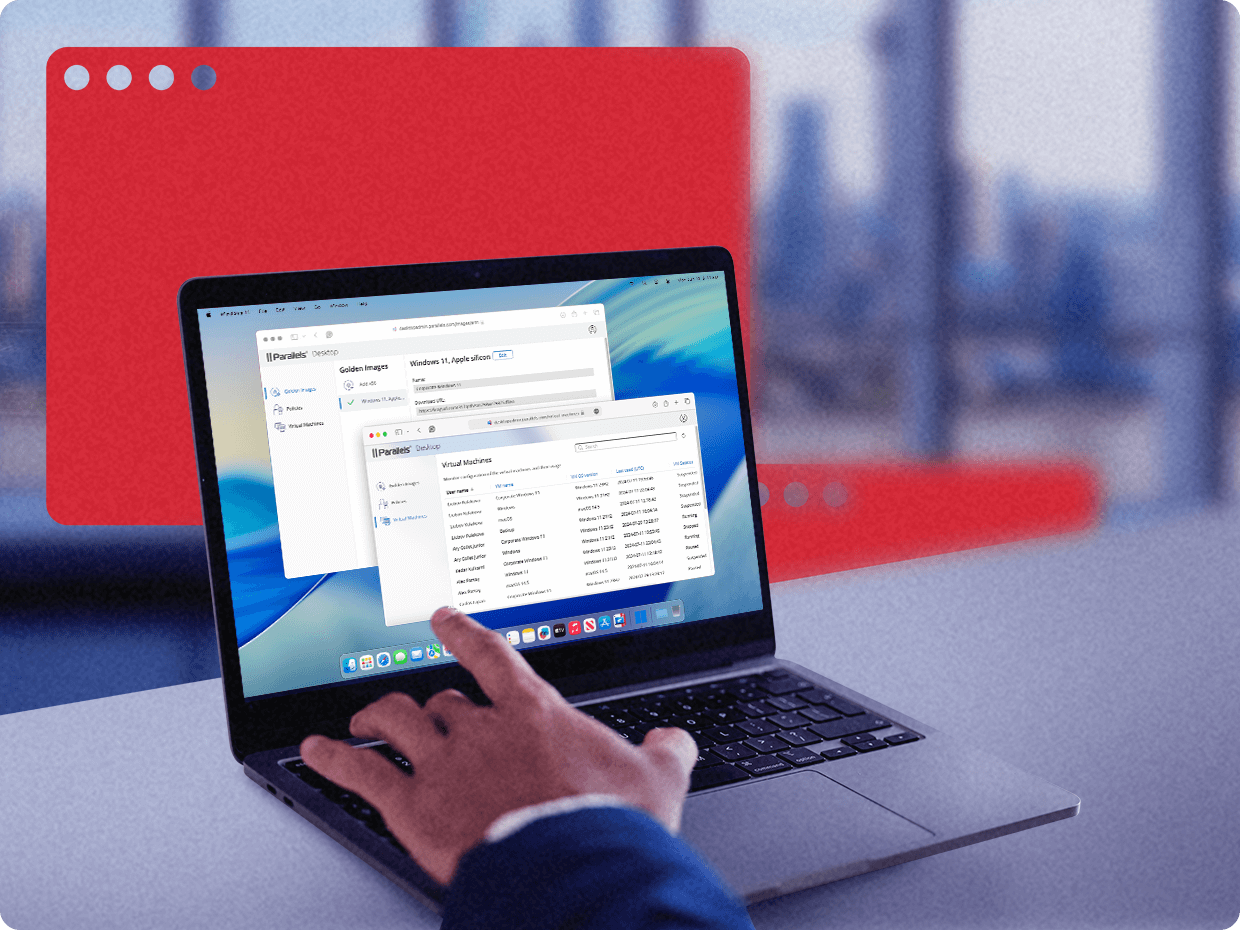
-
Pre-release compatibility testing
Microsoft and Apple make preview operating-system builds available before their public releases. Parallels uses available previews to test supported configurations, identify issues, and prepare product updates. New hardware is evaluated when suitable systems and technical information become available. This testing can help reduce the time needed to address compatibility issues after a platform release.
-
Support for new Windows features
Parallels Desktop is updated to support selected changes in Windows 11 on Arm. Windows provides Prism for running many x86 and x64 applications, while Parallels Desktop supplies virtualization features such as Secure Boot and virtual TPM support. Application compatibility and feature availability depend on the Windows and Parallels Desktop versions in use.
-
A platform that keeps pace
Parallels updates supported versions of Parallels Desktop to address changes in Windows, macOS, and Apple silicon hardware. Customers should review the current system requirements and compatibility documentation before installing a major operating-system update or moving a virtual machine to a new Mac.
What you need to get started
Parallels Desktop includes an installation assistant that can download and install Windows 11 on Arm from Microsoft. Windows activation requires an eligible license; a Windows license is not included with Parallels Desktop.

Step 1: Install Windows 11
Open Parallels Desktop and select the option to install Windows. Parallels Desktop can download the Windows 11 Arm image from Microsoft and begin the installation automatically. See the Windows installation guide for version-specific instructions.

Step 2: Review and accept the Microsoft license terms
Windows downloads and installs through the setup assistant. During setup, review and accept the Microsoft Software License Terms.

Step 3: Activate Windows
Parallels Desktop does not include a Windows license. Activate Windows with an eligible license. A unique Windows 11 Pro license is required for each Windows 11 Pro virtual machine. Transfer and activation rights depend on the license type, so review Microsoft’s terms before reusing a license from another device.
Organizations deploying Windows 11 Enterprise should follow the terms of their applicable Microsoft commercial licensing or subscription agreement and consult their IT administrator when needed.

Step 4: Start Using Windows
After setup, launch the virtual machine from Parallels Desktop and run Windows applications alongside macOS without restarting your Mac. Activate Windows with an eligible license and install available updates through Windows Update. You can then install applications and configure file sharing, devices, and other VM settings for your workflow.
When does a Microsoft-authorized Windows environment matter?
An occasional Windows application may require little more than basic access. Daily business and technical workflows place greater importance on licensing, updates, application compatibility, and support. The following groups are more likely to need an authorized Windows configuration.

Business and Enterprise Teams
Organizations may depend on Windows-only software or need to meet internal licensing and support requirements. Parallels Desktop lets employees run Windows 11 Pro or Enterprise on supported Apple silicon Macs in a Microsoft-authorized virtual environment. Application compatibility and organizational compliance should be evaluated separately.
See solutions
Software Developer
Developers can use separate Windows virtual machines for testing, debugging, and validating software without repartitioning a drive or using a second computer. Windows runs alongside macOS, allowing tools such as Xcode, Visual Studio, browsers, databases, and terminal sessions to remain available on the same Mac.
See solutions
Engineers, Architects, and Designers
Some engineering, design, and project-management tools are available only for Windows. Applications such as Microsoft Project or Visio may run in Windows 11 on Arm through native Arm support or Microsoft’s Prism translation layer. Compatibility for AutoCAD, Revit, SOLIDWORKS, plug-ins, drivers, and GPU-intensive workflows varies by product and version. Check the software vendor’s requirements and test critical workloads before deployment.
See solutions
Microsoft 365 and Office Users
Microsoft offers many Microsoft 365 applications for macOS, but Access remains Windows-only, and some Office add-ins or organizational tools may not have Mac versions. Parallels Desktop lets users install eligible Windows editions of those applications in a virtual machine alongside their Mac applications. Confirm that required add-ins and dependencies support Windows 11 on Arm.
See solutionsWindows Arm FAQ
Yes. Microsoft identifies supported versions of Parallels Desktop as authorized solutions for running Arm versions of Windows 11 Pro and Windows 11 Enterprise in a virtual environment on M1, M2, and M3 Macs. Microsoft also offers Windows 365 as a cloud-based option for accessing Windows from a Mac.
Yes. Current versions of Parallels Desktop support Macs with M4 and M5 chips.
Yes. A Windows license is separate from your Parallels Desktop license. For Windows 11 Pro, Microsoft requires a unique eligible license for each virtual machine. Enterprise licensing depends on your organization’s applicable Microsoft licensing agreement. If you already have a Windows license, check its transfer and virtualization rights before attempting to reuse it in a virtual machine. Microsoft’s published Parallels authorization covers Windows 11 Pro and Windows 11 Enterprise, not Windows 11 Home.
No. Boot Camp is not supported on Apple silicon Macs; it is available only on compatible Intel-based Macs. On Apple silicon Macs, a full local Windows environment can be run through virtualization.
Yes. Windows Update is available inside the Windows 11 virtual machine for applicable security, cumulative, and feature updates.
Windows 11 on Arm in a Parallels Desktop virtual machine can run many x86 and x64 Windows applications through Microsoft’s built-in emulation. On Windows 11, version 24H2 and later, that emulation includes Prism, which improves compatibility and performance for many emulated apps. Compatibility is not universal, particularly for software that depends on incompatible drivers, kernel-mode components, certain graphics features, or nested virtualization.
Yes. Parallels Desktop runs Windows 11 alongside macOS without restarting. You can switch between macOS and Windows without restarting, share supported files and clipboard content, and open Windows applications from macOS using Coherence mode.
Windows 11 Pro and Windows 11 Enterprise. Windows 11 Home is not part of the authorized configuration for virtual machine use on Apple silicon Macs.